
Path 1: your scheduler
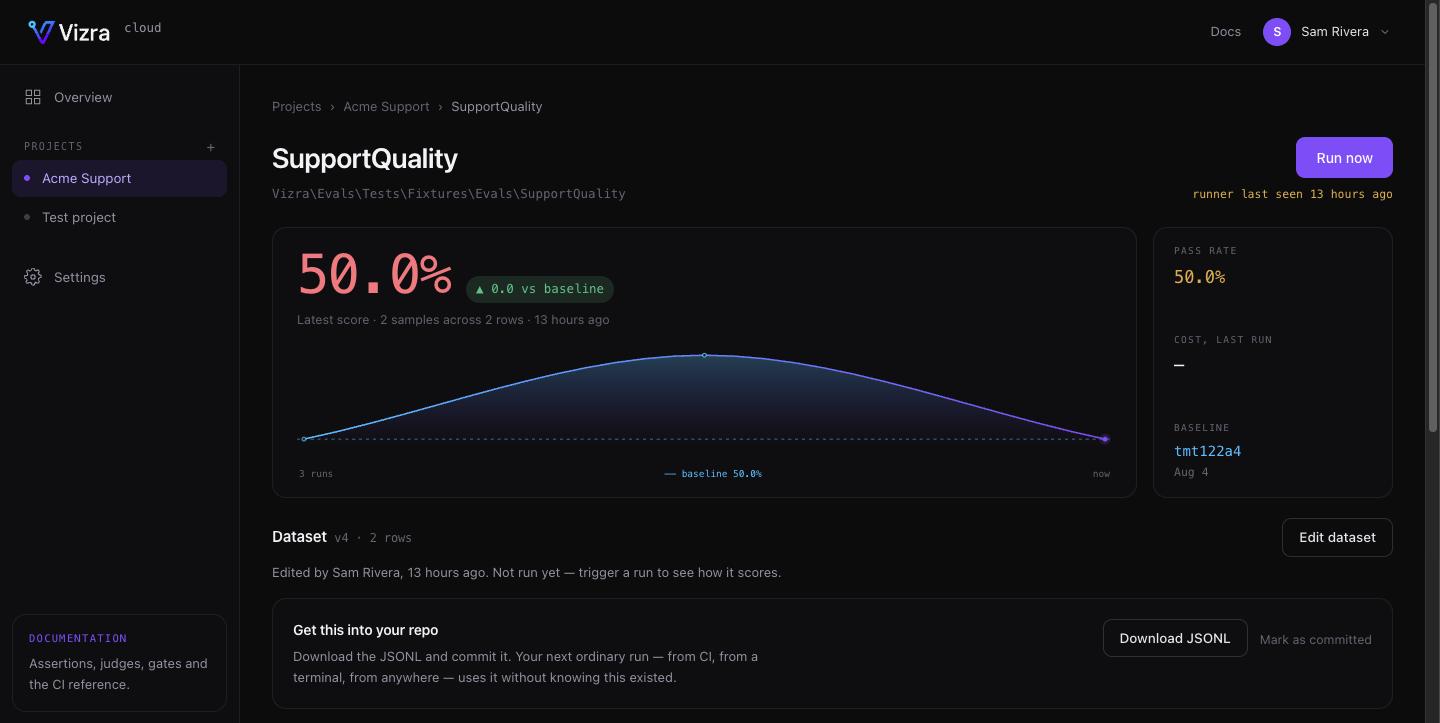
The default, and the one to use if your app is deployed anywhere with a cron. With a key configured, the package registersevals:runner on your scheduler for you —
every minute, withoutOverlapping(), riding the cron that already runs schedule:run. It
polls for requested runs, executes them locally and reports the results back.
Nothing to add. If you would rather register it yourself:
.env
routes/console.php
This needs
vizra/evals installed as a regular dependency rather than --dev, because the
runner has to exist in the deployed application.Path 2: CI dispatch
For teams whose evals only ever run in CI — no long-running app, nothing to schedule. Connect a GitHub repository in the project’s settings, and Run now triggers aworkflow_dispatch on a workflow you nominate. Your existing pipeline runs the suite with
its own secrets and reports through the same endpoint.
You supply four things: repository, workflow file, ref (branch or tag), and a token.
The workflow must accept workflow_dispatch:
.github/workflows/evals.yml
When dispatch fails
GitHub returns 404 for a missing repository, a missing workflow and a token without permission — the same response for all three, deliberately, so a token cannot be used to probe for private repositories. Unhelpful when it is your own repo, so Cloud spells out the possibilities rather than passing the bare status through. Check, in order: the workflow file exists on the ref you named, it declaresworkflow_dispatch, and the token has
Actions: write.
Choosing
Both are available on every plan. The run executes on your infrastructure either way.