
What’s the Web Dashboard?
The web dashboard is a Livewire-powered interface that ships with the Vizra ADK package. It provides real-time monitoring, interactive testing, and management capabilities for your agents - all through your browser!Real-time Monitoring
Live agent stats, system health, and activity tracking
Interactive Testing
Chat with your agents directly from the browser
Evaluation Runner
Run and visualize evaluation results with ease
Quick Commands
Copy-ready artisan commands for rapid development
Accessing the Dashboard
By default, the web dashboard is accessible at the/vizra route of your Laravel application.
The dashboard URL will be displayed after running the installation command.
Dashboard Components
Main Dashboard
The main dashboard provides an overview of your Vizra ADK installation: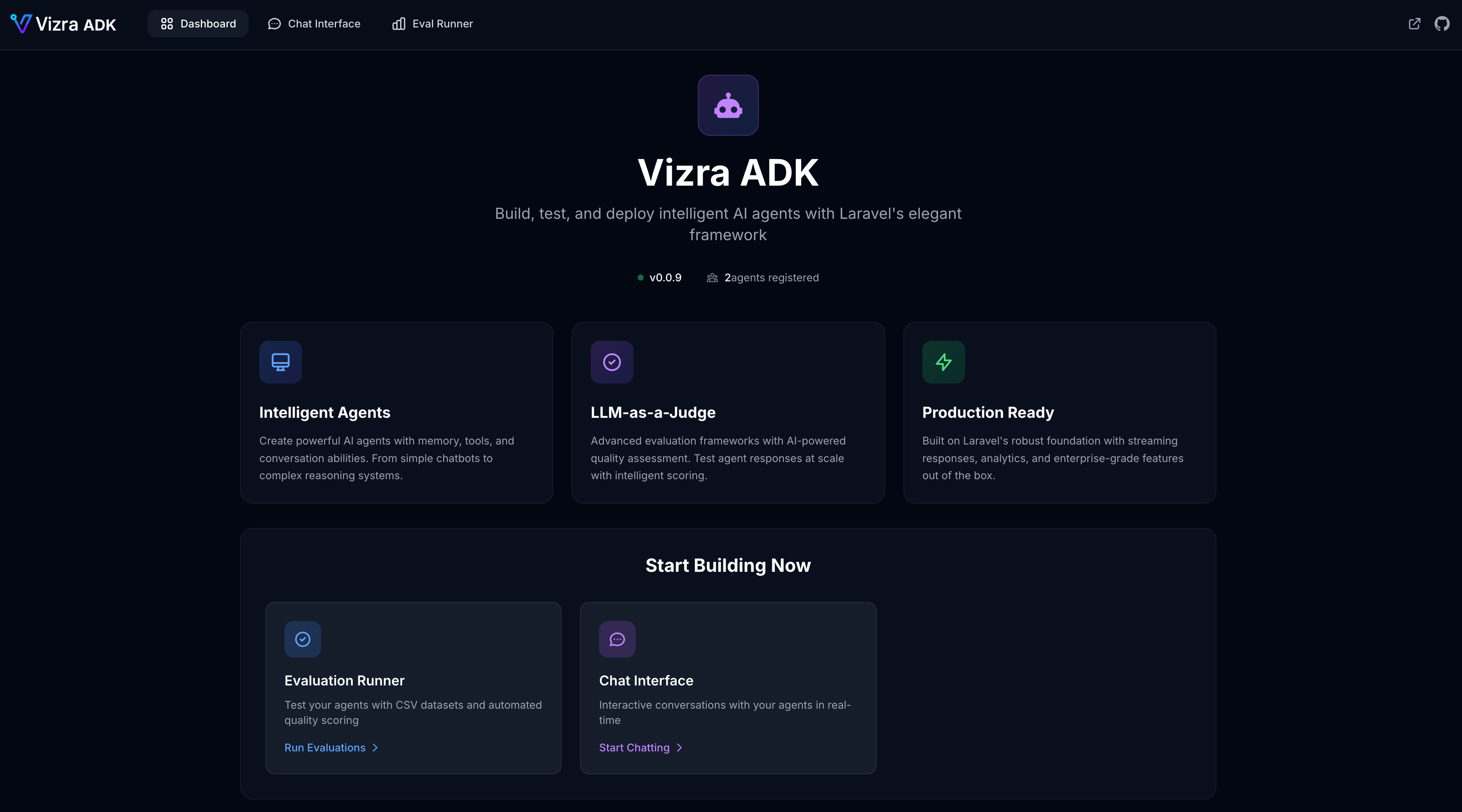
- Package Information: Current version and configuration status
- Agent Registry: Live display of all registered agents
- Quick Commands: Copy-ready artisan commands for common tasks
- System Status: Health indicators and configuration checks
Chat Interface
The chat interface allows interactive testing of your agents: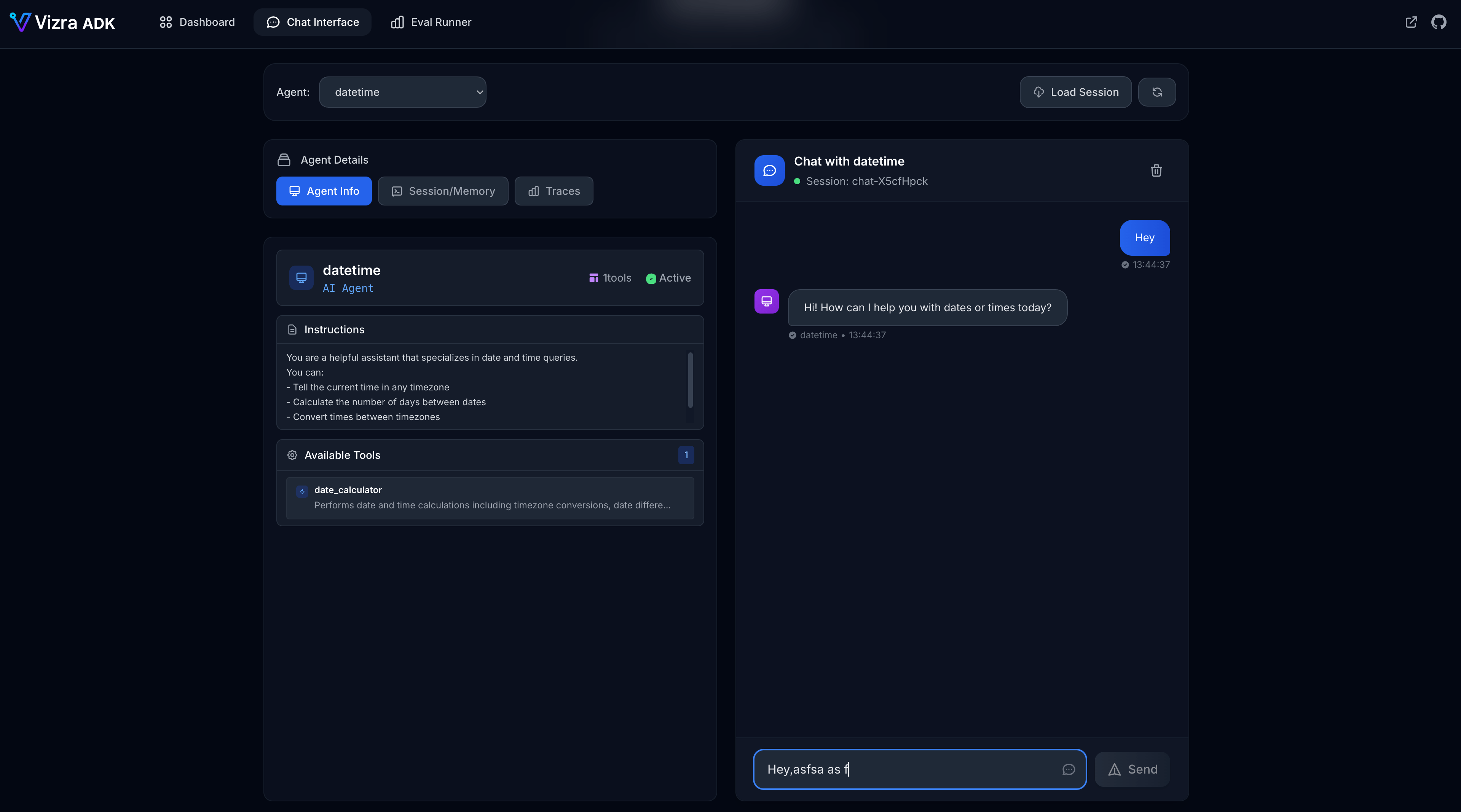
- Real-time streaming responses
- Session management
- Message history
- Agent selection dropdown
Evaluation Runner
The evaluation runner provides a visual interface for running and monitoring evaluations: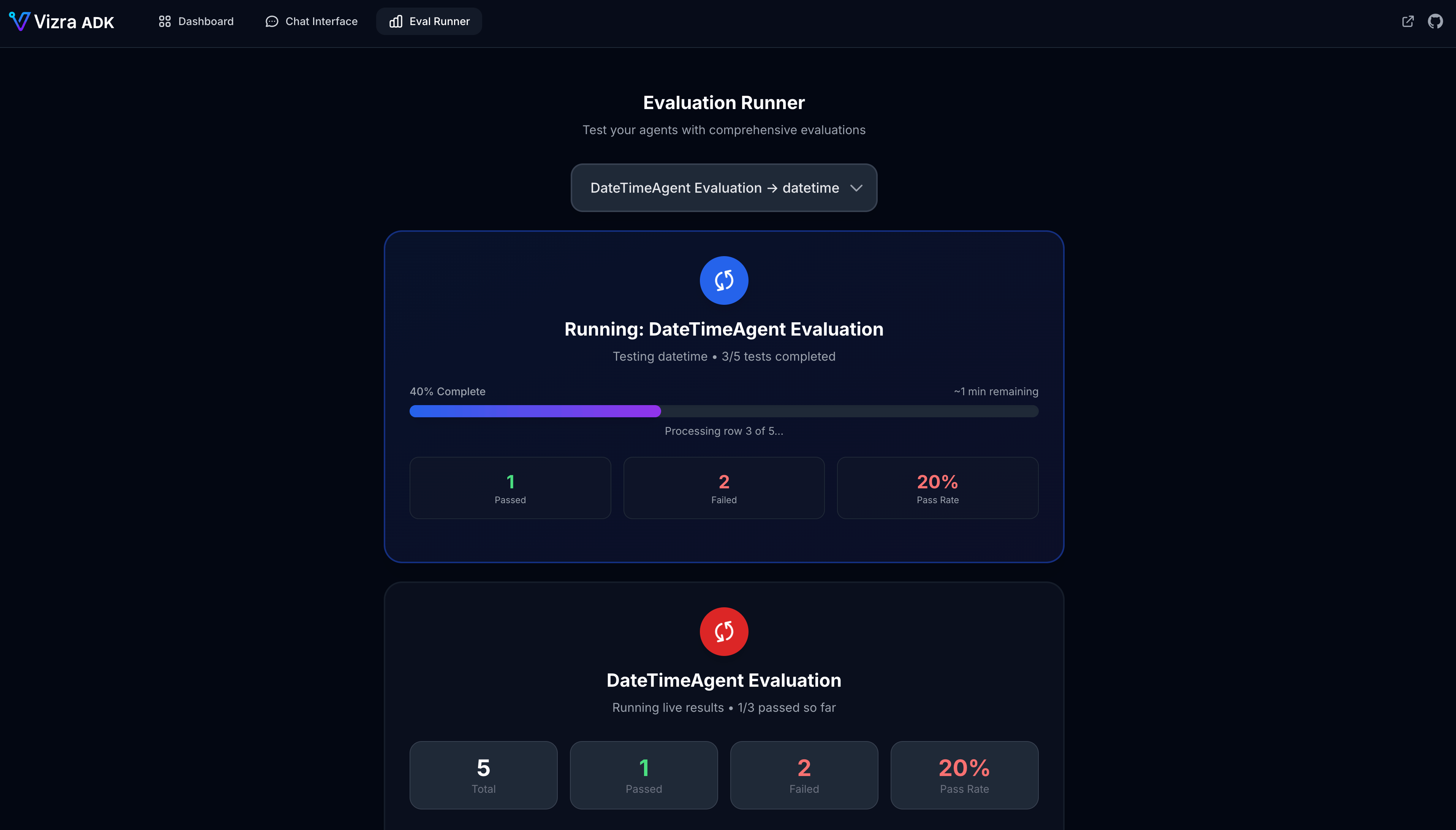
Configuration
The web dashboard can be configured in yourconfig/vizra.php file:
config/vizra.php
Disabling the Dashboard
To disable the web dashboard in production:.env
Custom Route Prefix
To change the dashboard URL prefix:config/vizra.php
Adding Authentication
To protect the dashboard with authentication:config/vizra.php
Dashboard Routes
The web dashboard registers the following routes:Dashboard Command
Thevizra:dashboard command provides quick access:
Terminal
Security Considerations
Ready to Explore?
Now that you understand the web dashboard, dive deeper into:Learn about Agents
Build your first AI teammates
Explore Commands
Master the CLI tools
Master Evaluations
Test your agents like a pro